Search News
Industry Portal
Popular Tags
Digital Intelligence Tools That Make Daily Workflow Easier
Author
Time
Click Count
For operators managing fast-paced industrial tasks, digital intelligence tools are becoming essential to simplify daily workflow, reduce manual errors, and improve decision-making. From real-time monitoring to data-driven process support, these solutions help teams work smarter across complex environments. This article explores how digital intelligence tools can streamline routine operations while supporting efficiency, consistency, and long-term industrial performance.
For most operators, the real question is not whether digital intelligence tools matter, but which tools actually make daily work easier without adding complexity. In industrial settings, teams often deal with fragmented data, repeated manual checks, shifting schedules, equipment variability, and constant pressure to maintain quality and output. The best tools reduce that burden in practical ways.
When digital intelligence tools are implemented well, they help operators see what is happening in real time, respond faster to issues, follow standardized procedures more consistently, and spend less time searching for information. That leads to fewer avoidable mistakes, smoother handoffs, and more confidence during routine and high-pressure tasks alike.
What operators really need from digital intelligence tools
Operators are rarely looking for abstract innovation. They want systems that save time during a shift, make instructions clearer, and reduce the risk of missing something important. That means useful digital intelligence tools must support action at the point of work, not just generate reports for later review.
In practice, the most valuable tools usually solve five immediate problems. First, they make critical data visible without forcing users to switch between too many systems. Second, they simplify routine decisions with alerts, guided steps, or prioritization. Third, they reduce manual entry and duplicate work. Fourth, they improve traceability. Fifth, they help teams recover faster when something changes unexpectedly.
For operators in manufacturing, logistics, processing, maintenance, and related environments, usability matters as much as technical sophistication. If a tool is hard to learn, interrupts the workflow, or floods users with low-value notifications, it quickly becomes another obstacle. The right solution should feel like a practical layer of support, not a separate digital burden.
Which types of digital intelligence tools make daily workflow easier
Not every platform delivers the same kind of value. Operators benefit most from tools that are closely tied to daily execution. Several categories stand out because they directly improve speed, visibility, accuracy, and coordination.
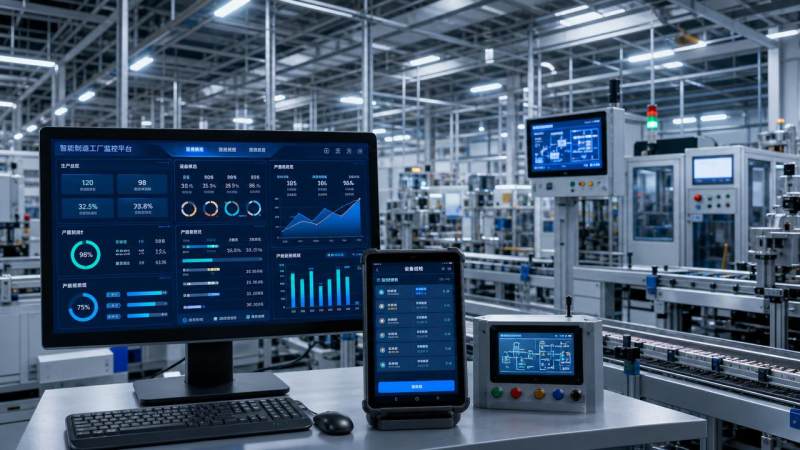
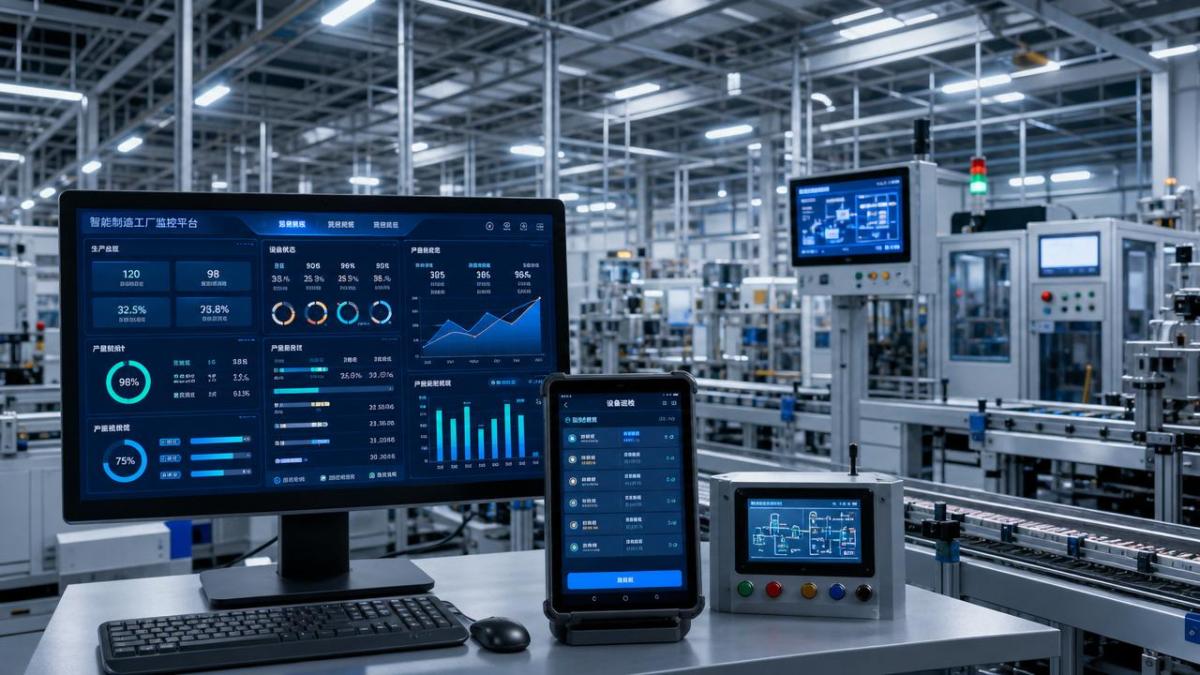
Real-time monitoring dashboards help operators track machine status, production progress, throughput, temperature, pressure, quality trends, inventory movement, or energy consumption from a single view. Instead of reacting only after a problem appears downstream, teams can identify deviations early and act before performance drops further.
Alert and exception management tools filter raw signals into prioritized notifications. This is especially useful in environments where multiple assets produce continuous data. A good alerting system does not just say that something changed. It helps users understand whether the issue is urgent, what threshold was crossed, and what action should come next.
Digital work instruction platforms make standard operating procedures easier to follow. Instead of relying on printed documents, memory, or scattered files, operators can access the latest steps, visual guidance, checklists, and safety notes in one place. This supports consistency across shifts and helps reduce errors during setup, inspection, changeover, or maintenance tasks.
Mobile inspection and reporting tools replace paper-based logging and delayed data entry. Operators can record readings, capture images, confirm task completion, and escalate issues from the field. This improves data quality and shortens the time between observation and response.
Predictive and condition-based maintenance tools help maintenance and production teams identify patterns linked to wear, failure risk, or abnormal equipment behavior. While not every site needs advanced predictive models immediately, even basic condition intelligence can reduce unplanned stoppages and improve scheduling.
Scheduling and workflow coordination tools support shift planning, task assignment, resource balancing, and handoff management. In many facilities, workflow friction comes less from one major failure than from dozens of small coordination gaps. A tool that clarifies who is doing what, when, and with what priority can create visible daily gains.
Quality intelligence tools connect process data with inspection outcomes, helping operators understand why defects occur and where variation starts. This can shorten troubleshooting time and support more stable performance, especially in processes where quality issues are expensive or difficult to reverse.
How these tools improve a typical industrial workday
The impact of digital intelligence tools becomes clearer when viewed through a normal shift. Consider the start of the day. Instead of relying on verbal updates alone, operators can review live production status, unresolved alerts, equipment conditions, and task queues from a shared dashboard. That creates a more informed handoff and reduces confusion in the first hour.
During production, a monitoring tool may show that one line is drifting from normal performance. An operator receives a focused alert, checks the affected asset, and follows a guided troubleshooting workflow. Because the system links operating data with previous incidents and standard actions, the team can respond faster and with less guesswork.
For routine inspections, mobile forms and digital checklists help ensure that each required point is covered. Readings are recorded immediately, time-stamped automatically, and stored centrally. Supervisors and adjacent teams do not need to wait for handwritten notes or separate spreadsheet updates before acting on a trend.
When a process change is introduced, digital work instructions can be updated once and distributed instantly. Operators are less likely to follow outdated versions, and new staff can get up to speed faster. In highly regulated or quality-sensitive operations, that level of control supports both compliance and consistency.
At the end of the shift, digital records provide a clear picture of what happened, what actions were taken, and which issues remain open. Better continuity between shifts often leads to less repeated troubleshooting, fewer missed tasks, and a more stable operating rhythm across the week.
What to evaluate before choosing a tool
Operators and site leaders should avoid choosing digital intelligence tools based only on feature lists. A platform may look advanced in a demo but still fail to improve daily workflow if it does not match the realities of the work environment. The evaluation process should start with operational pain points, not software trends.
First, assess where friction happens most often. Is the biggest issue delayed response to equipment problems, inconsistent inspections, excessive manual logging, poor shift handoff, or lack of visibility across assets? The clearer the problem definition, the easier it becomes to identify a tool that delivers measurable value.
Second, look at how the tool fits into the operator’s actual workflow. Can it be used on the shop floor, in the field, or near equipment without difficulty? Is the interface clear under time pressure? Can tasks be completed with minimal steps? A small usability barrier repeated hundreds of times becomes a major adoption problem.
Third, review integration requirements. Useful digital intelligence tools should connect with existing systems such as MES, ERP, CMMS, SCADA, PLC environments, quality systems, or sensor networks where appropriate. If data remains isolated, the tool may create one more information silo instead of solving the current one.
Fourth, check alert quality and configuration flexibility. Too many tools generate excessive notifications that users learn to ignore. The better systems allow teams to set thresholds, priorities, escalation logic, and user-specific views so that signals remain meaningful.
Fifth, evaluate training demands and maintainability. Operators benefit from tools that are easy to learn and simple to update. If every process change requires heavy IT support or vendor dependence, long-term value may be limited.
Common concerns operators have and how to address them
One common concern is that digital tools will increase monitoring without improving work conditions. Operators may worry that systems are being introduced mainly to track performance rather than reduce effort. This concern is valid if the implementation is top-down and disconnected from real workflow pain points.
The best way to address that concern is to show immediate practical value. If a tool helps reduce duplicate entries, shortens issue resolution time, or makes instructions easier to access, adoption becomes more natural. Teams support technology more readily when they experience daily relief, not just management visibility.
Another concern is alert overload. If every small variation triggers a warning, users stop trusting the system. Tools should be configured around operational priorities and refined after rollout. Early tuning is not a sign of failure. It is a necessary step to align digital intelligence with real working conditions.
Some users also worry that new tools will be difficult to use during busy shifts. That is why interface simplicity, mobile accessibility, and workflow design matter so much. Good systems reduce clicks, guide actions, and keep critical information visible. They do not require users to become analysts in order to complete routine tasks.
There can also be concern about data accuracy. Operators will not rely on dashboards or recommendations if inputs are outdated, inconsistent, or incomplete. Strong adoption depends on trusted data sources, clear definitions, and disciplined update practices.
How to implement digital intelligence tools without disrupting operations
A successful rollout usually starts small. Rather than digitizing everything at once, begin with one process that causes frequent friction and has visible improvement potential. This might be line-side inspections, maintenance response, shift handoff, alarm management, or digital work instructions for a specific cell or department.
Set a narrow objective tied to operator value. For example, reduce manual reporting time, shorten response time to recurring faults, improve checklist completion accuracy, or cut the number of missed handoff items. A focused goal makes it easier to measure success and refine the system before expanding it.
Involve operators early in the design and testing process. They know where steps are skipped, where information gets lost, and where systems slow work down. Their feedback helps shape screen layouts, alert logic, form structure, and language that matches the actual environment.
Training should be practical and scenario-based. Instead of explaining every feature, show how the tool helps users complete the tasks they already perform. Demonstrate what to do when an alert appears, how to log an issue in the field, how to confirm a checklist, and how to hand over unresolved items at shift change.
After launch, review usage patterns and pain points quickly. If users avoid certain screens or continue using parallel paper methods, investigate why. Continuous adjustment is often what turns a workable platform into a genuinely helpful one.
Where long-term value comes from
The immediate benefit of digital intelligence tools is smoother daily execution, but the longer-term value is equally important. Over time, these tools create better operational memory. Teams can see patterns across shifts, identify repeat causes of downtime, compare asset behavior, and improve procedures based on evidence rather than anecdote.
This is especially valuable in complex industrial ecosystems where materials, machines, people, and timing interact constantly. When physical operations are supported by reliable digital intelligence, organizations can improve resilience as well as productivity. Operators gain clearer visibility. Supervisors gain better coordination. Engineers gain more useful data for continuous improvement.
For B2B industrial environments connected to advanced manufacturing, material innovation, and intelligent automation, this combination matters. Physical performance can only improve so far through equipment alone. The next level often depends on how effectively teams turn operational signals into usable action at the point of work.
Conclusion: the best tools are the ones that make work clearer, faster, and more reliable
Digital intelligence tools are most valuable when they solve everyday operator problems in direct, visible ways. The right solutions reduce manual effort, improve response speed, support standard work, and make critical information easier to use in real time. They should simplify the workday, not add another layer of complexity.
For operators and industrial teams, the smartest approach is to focus on workflow impact first. Choose tools that fit real tasks, integrate with operational realities, and deliver practical support where decisions are made. When that happens, digital intelligence tools do more than modernize systems. They make daily workflow easier in ways that can be felt on every shift.
Recommended News
 May 06, 2026Digital Intelligence Tools That Make Daily Workflow EasierDigital intelligence tools help industrial teams simplify daily workflow with real-time visibility, guided actions, and fewer manual errors. Discover practical solutions that boost efficiency.
 May 06, 2026What to Check Before Choosing Intelligent Automation ManufacturersIntelligent automation manufacturers should be evaluated for technical depth, integration, material compatibility, and service support—discover what to check before choosing the right partner.
 May 06, 2026Industrial Intelligence Solutions: Common Cost Traps and ROI SignalsIndustrial intelligence solutions often hide integration and data costs. Learn the key ROI signals, cost traps, and approval questions finance leaders should ask before investing.
 May 06, 2026How to Evaluate Supply Chain Intelligence Providers Beyond the Sales PitchSupply chain intelligence providers should be judged on verified data, risk visibility, and sourcing value—not demos alone. Learn how to compare vendors and choose a partner that improves resilience, compliance, and cost control.
 May 06, 2026Vertical AI Applications Worth Piloting Before Full-Scale RolloutVertical AI applications worth piloting first: discover high-impact use cases for predictive maintenance, quality inspection, and smarter operations before full-scale rollout.
 May 06, 2026Where Vertical AI Technology Delivers Real Value in OperationsVertical AI technology creates real operational value in procurement, production, quality, and supply chains—helping enterprises cut risk, speed decisions, and prove ROI.
 May 06, 2026A Practical Guide to Industrial Benchmarking Standards in Complex PlantsIndustrial benchmarking standards for complex plants: learn how to improve safety, quality, reliability, and compliance with practical methods that reduce risk and boost performance.
 May 06, 2026High-Tech Industrial Solutions That Cut Downtime Without OverbuildingHigh-tech industrial solutions help cut downtime with smarter automation, material benchmarking, and scalable design—boost uptime, control CAPEX, and build resilient operations.
 May 06, 2026Industrial Benchmarking Methods: What to Compare Before You CommitIndustrial benchmarking methods help you compare performance, lifecycle cost, compliance, and digital readiness before you commit—reduce risk and make smarter industrial decisions.
 May 06, 2026How Digital Intelligence Applications Improve Factory DecisionsDigital intelligence applications help factories improve scheduling, quality, maintenance, energy use, and supply decisions. Discover how to boost resilience, cut risk, and accelerate performance.
 May 06, 2026SABIC & GSO Update Functional Coatings GCC Certification RulesSABIC & GSO updated GCC certification rules for functional coatings—new ISO 9227 salt spray and ΔE ≤1.5 UV aging tests required from Aug 1, 2026. Act now!
 May 06, 2026IMC Raises BAF to 18% on East Asia–North Europe RoutesBAF raised to 18% on East Asia–North Europe routes by IMC—green fuel costs drive freight pricing shifts. Key insight for exporters, forwarders & procurement teams.
 May 06, 2026WISE 2026 Adds Dedicated Anti-Drone Gear Zone in ShanghaiAnti-Drone Gear zone debuts at WISE 2026 in Shanghai — discover cutting-edge Chinese counter-UAS solutions for defense, security & critical infrastructure buyers.
 May 06, 2026FDA Updates Bio-Plastics Food Contact Guidance, Nano-Migration Testing Now MandatoryFDA mandates nano-migration testing for bio-plastics food contact materials—PLA, PHA, PBS—effective May 2026. Ensure U.S. compliance now.
 May 06, 2026Vietnam Advances SDS Labeling Deadline for Industrial Catalysts to July 2026Vietnam advances SDS labeling deadline for industrial catalysts to July 2026—urgent compliance action needed for exporters, importers & supply chain partners.
 May 06, 2026Global Engineering Resins Index Up 3.1% Weekly, East China Port Stocks at 120k Ton LowEngineering resins prices surge 3.1% weekly amid record-low East China port stocks (120k tons). Critical insight for OEMs, compounders & global buyers.
 May 06, 2026TÜV Rheinland Launches Dual-Track Cargo Drones Certification in DongguanTÜV Rheinland’s new Dongguan cargo drones certification offers dual-track EU CE-EDM approval—cutting time by 40% and costs by 25%. Ideal for UAS manufacturers & logistics integrators.
 May 06, 2026Japan METI Enforces Real-Time Traceability for Imported Electronic ChemicalsJapan METI's new real-time traceability mandate for imported electronic chemicals—especially photoresist precursors—takes effect May 1, 2026. Ensure compliance, avoid 72+ hour delays, and secure JIS Q 0010 certification smoothly.
 May 06, 2026EU PFAS Restriction on Barrier Films Enters Implementation PhaseEU PFAS restriction on barrier films is now live—key for exporters, converters & brands. Act before Q1 2027 enforcement to avoid shipment rejections and secure compliant alternatives.
 May 06, 2026BIS Extends Public Comment Period for Harmonic Reducer Export Controls to May 15, 2026BIS extends harmonic reducer export controls comment period to May 15, 2026—key for robotics, automation & semiconductor firms. Act now to assess compliance, map inventory, and secure supply chains.
 May 05, 2026IMC Raises BAF to 18% on East Asia–North Europe RoutesBAF raised to 18% on East Asia–North Europe routes by IMC—driven by green fuel costs & EU ETS. Exporters, UAV shippers & logistics planners must act before May 15.
 May 05, 2026WISE 2026 Adds Dedicated Anti-Drone Gear Pavilion in TianjinAnti-Drone Gear Pavilion at WISE 2026 in Tianjin — first dedicated counter-UAS exhibition for RF detection, AI interception & jamming solutions. Apply now!
 May 05, 2026FDA Updates Bio-Plastics Food Contact Guidance, Adds Nano-Migration TestingFDA's new bio-plastics food contact guidance mandates nano-migration testing for PLA, PBAT & biopolymer packaging—key for U.S. exporters. Act now to ensure compliance.
 May 05, 2026Vietnam MOIT Advances SDS Vietnamese Labeling for Industrial Catalysts to July 1, 2026Vietnam MOIT advances SDS Vietnamese labeling for industrial catalysts to July 1, 2026 — urgent compliance action required for exporters, importers & supply chain partners.